

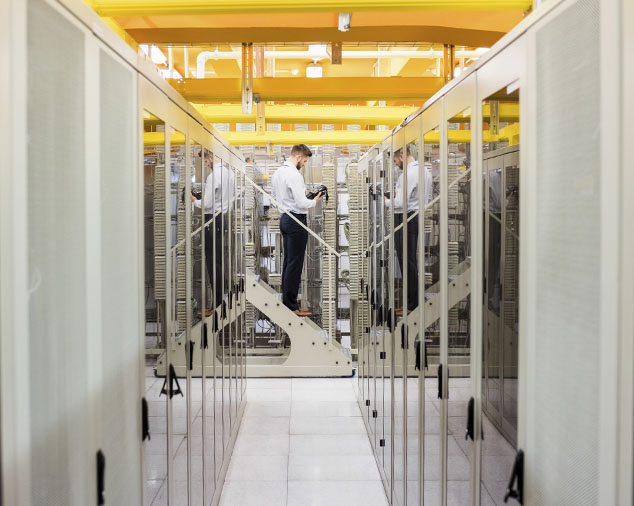
Network stability is a critical aspect for productive work, both in business and at home. Uninterrupted and fast network operation depends on proper configuration and maintenance, which can prevent major disruptions and reduce the risk of attacks. Here are some tips for ensuring stable network performance to help maintain seamless operation.
Proper Configuration of Network Equipment
For stable network operation, it is essential to have appropriate equipment that meets user requirements and network load. Here are the main steps for configuration:
Choosing a Quality Router. Use routers that support modern standards for better bandwidth and reliability.
Channel and Frequency Settings. To reduce interference, choose less congested frequencies to minimize signal overlap.
Optimal Placement. Install the router in a central location, avoiding obstacles like walls and metal surfaces, for uniform coverage.
Regular Software Updates
Network routers and switches receive updates from the manufacturer to enhance security and stability. Firmware and driver updates are crucial for eliminating vulnerabilities and improving performance.
- Automatic Updates. Enable automatic updates to ensure you always have the latest firmware version.
- Periodic Checks. Even if you use automatic updates, it’s worth manually checking for new versions, especially for older models.
Network Monitoring
Monitoring helps quickly identify and respond to potential issues before they affect network performance. There are many monitoring tools available that provide data on traffic, connection quality, and resource usage.
Backup Configuration
To avoid prolonged downtime due to unforeseen failures, it’s essential to store backup copies of network equipment configurations. This will allow for quick recovery if needed.
Access Control and Security
An unsecured network is vulnerable to attacks that can impact its stability. Network security is the foundation of stable operation, so it’s essential to follow these recommendations:
- Avoid using default passwords; set unique, complex passwords for network access.
- Configure WPA3 or WPA2 for wireless networks to protect transmitted data. Also, set up MAC address filtering. This extra measure helps to allow access only to authorized devices.
Bandwidth Optimization
For large networks, bandwidth optimization helps reduce network load and ensure stable speeds for all users. Use QoS (Quality of Service) to guarantee stable speeds for critical applications and services. Set limits on traffic use for less important processes, like streaming video or background downloads.
Regular Testing and Network Check-Ups
Periodic testing and check-ups help detect issues that may have gone unnoticed during setup. Regularly measure connection speed to ensure it meets established standards. Conduct vulnerability testing to identify and fix potential security risks.
Frequently Asked Questions (FAQ)
How Often Should Router Firmware Be Updated?
Firmware should be updated at least every six months, but if there are critical security updates, do it immediately.
Should a VPN Be Used to Improve Network Security?
A VPN significantly enhances security, especially for remote connections, by protecting data from potential threats.
What Are the Main Tools for Network Monitoring?
Popular monitoring tools include PRTG, Zabbix, Nagios. They allow real-time network analysis.
How to Protect a Home Network from Unauthorized Access?
Set a strong password for Wi-Fi, use WPA3 encryption, and restrict access through MAC address filtering.